The free online wishlist maker
Free wishlist maker. More “that's so me.”
Create a wishlist that feels like you. Add gifts, personalize your list, and share it with friends and family.
Make my wishlist100% free. No credit card.
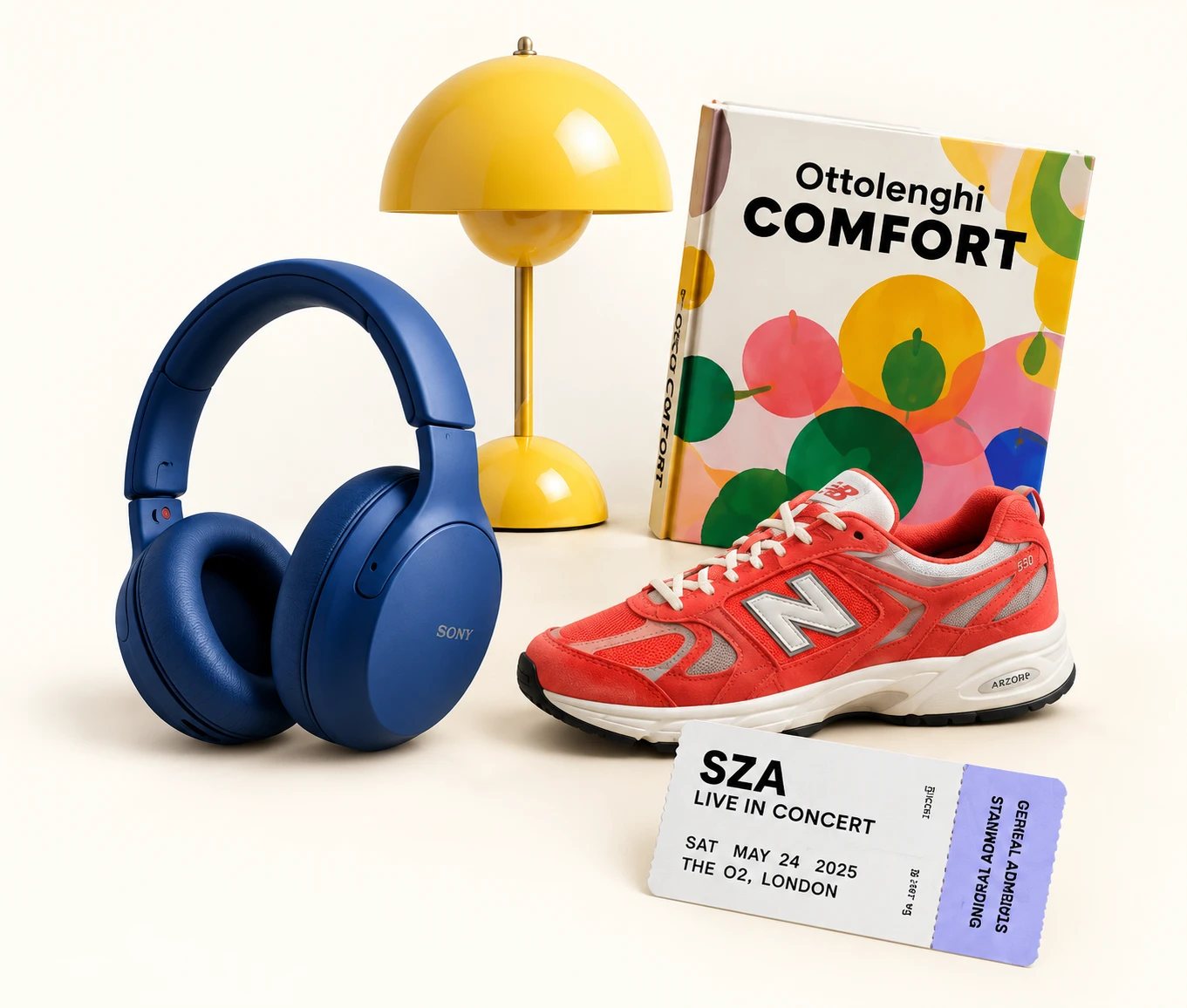
Alex's birthday wishlist
Share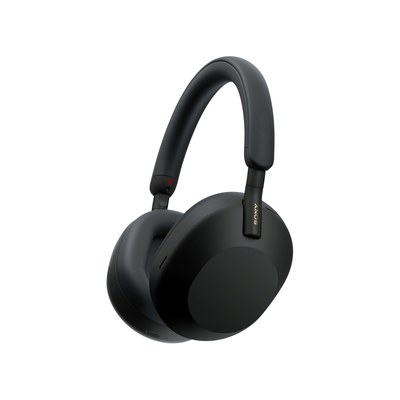
Sony WH-1000XM5Wireless Headphones
$348
Available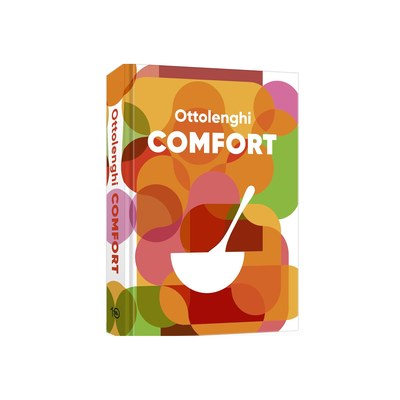
Ottolenghi ComfortCookbook
$30
Reserved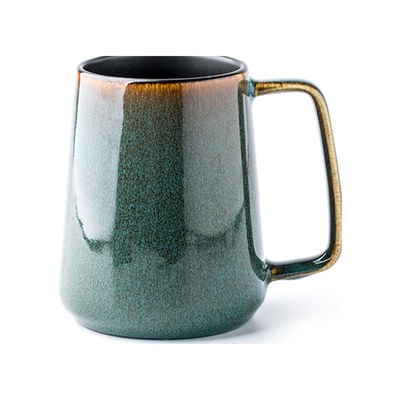
Coffee MugsLarge, 24 oz
$15
AvailableAny store. Any occasion. All you.
How to make a wishlist in 4 simple steps
Sony WH-1000XM5 Wireless Headphones
$348
Make it yours
Name your list for a person, a plan or a celebration.
Gather your favorites
Add a store link. The title, photo and price come with it. Or add an idea without a link.
Send one link
Share on WhatsApp, Telegram, Facebook or anywhere else.
Invite a collaborator
Add someone to co-edit the list with you — great for a kid's wishlist you're building together.
Alex's birthday wishlist
15.02.2027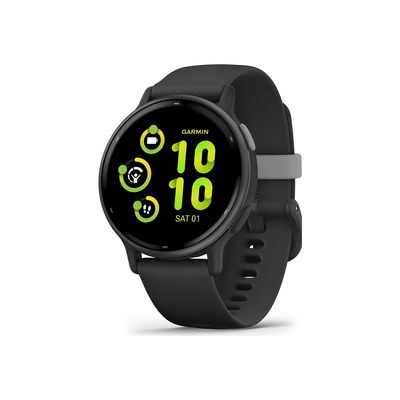
Garmin Vivoactive 5GPS Smartwatch
$199
Available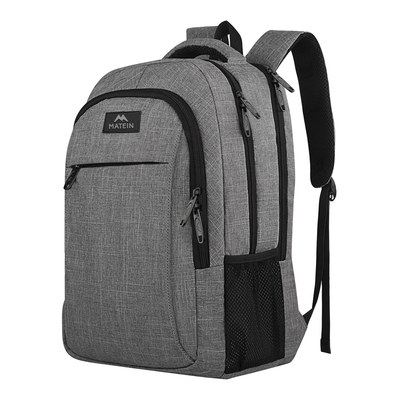
MATEINTravel Laptop Backpack
$26
Reserved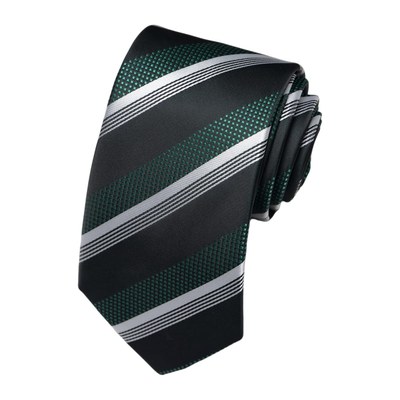
Passabin TieGreen and Black Striped Tie
$8
AvailableOne link. Zero duplicate gifts.
Friends pick a gift and reserve it. Everyone can see what's taken — who reserved it stays a secret.
A gift wishlist for every occasion
Keep multiple wishlists for different people and occasions, together in one place.
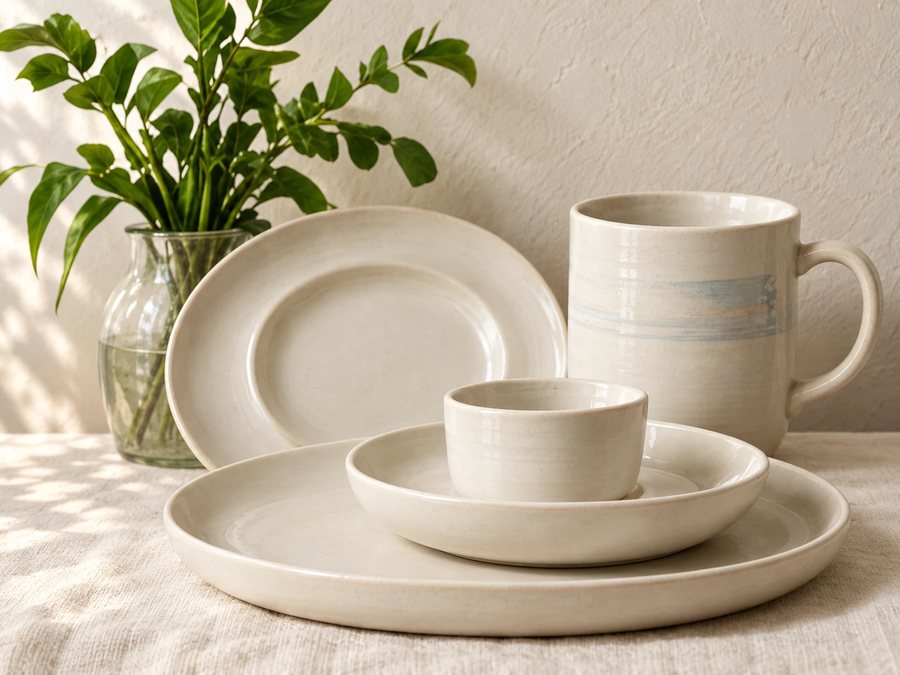
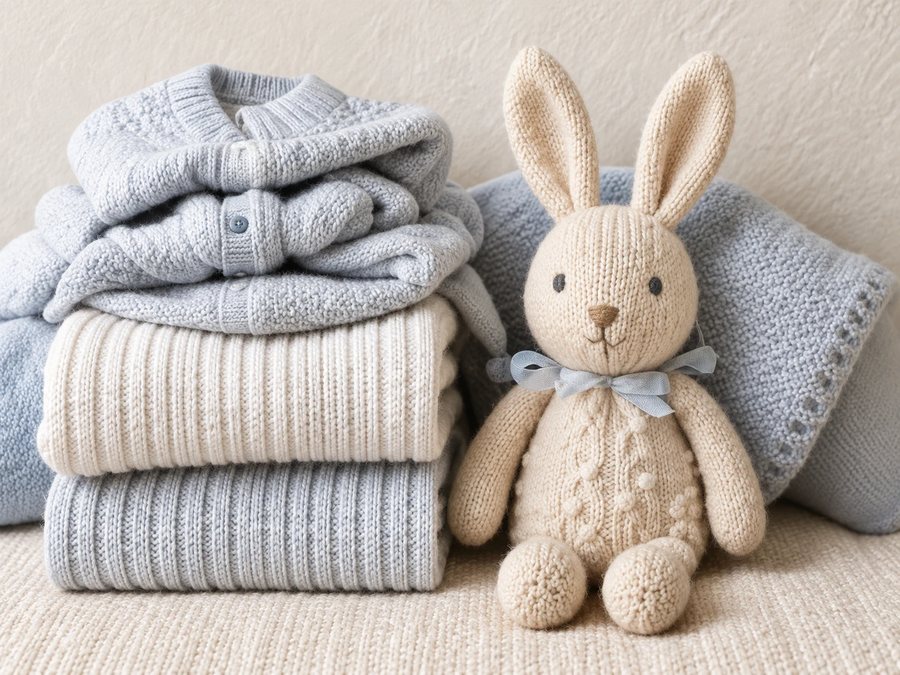
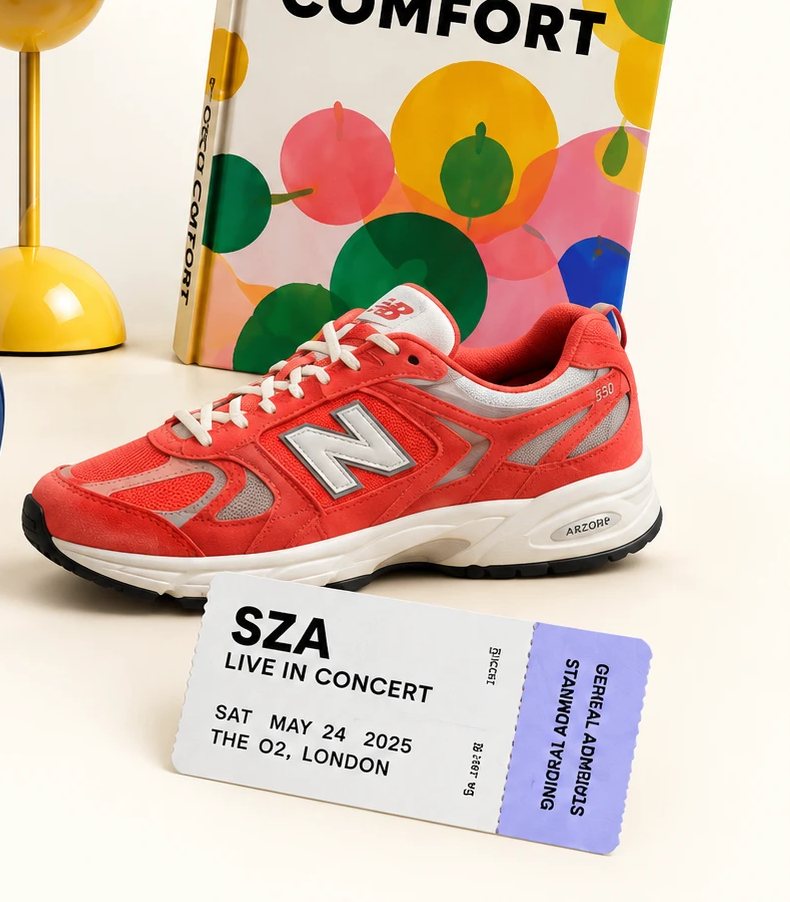
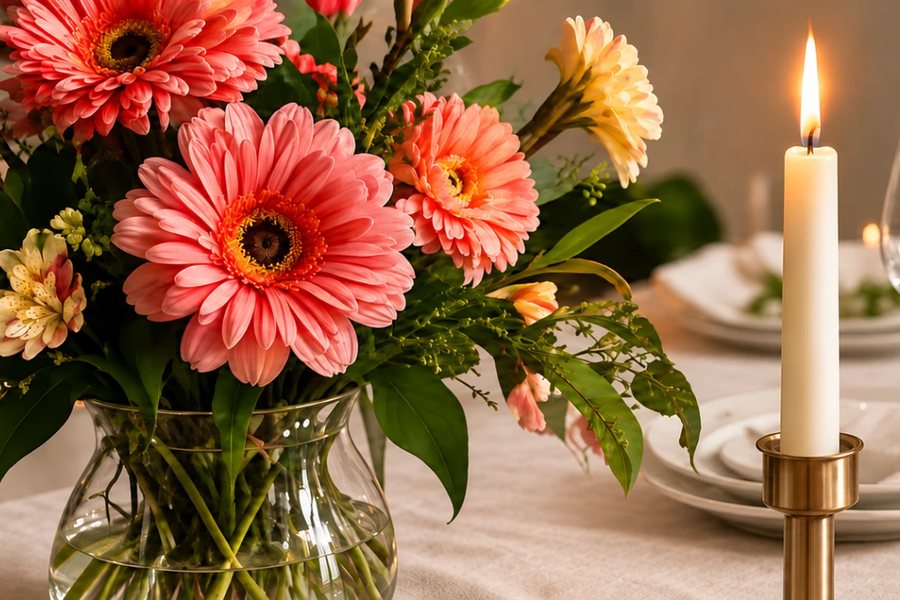
Christmas · Housewarming · Graduation · And everything in between
Free means free.*
Create lists, share them and reserve gifts.
No subscriptions. No premium tier.
Need a little wishspiration?

What is a wishlist maker?
A wishlist maker (also written wish list maker) puts everything you'd love to receive in one place, so you can share a single link with the people who keep asking what to get you. No more screenshots, hints or half-remembered ideas.
With Onelist you can create a wishlist online in a few minutes. Paste a product link from any store — Amazon, Target, Etsy or a small shop — and the title, photo and price come with it. You can add ideas without a link too, like an experience or a book you've been meaning to read. Friends and family open your link, see what's still available and reserve a gift, so nobody buys the same thing twice. Who reserved what stays hidden, even from you, until the event date has passed.
Most people start with one list and add more as the year goes on: a birthday wishlist, a Christmas list, a wedding wishlist or a baby registry. Organizing a gift exchange? Try the Secret Santa name draw.
Wishlist maker FAQs
Yes. Creating lists, sharing them and reserving gifts is completely free — no subscriptions, no premium tier, no credit card.
Yes. Paste a link from any store — a big retailer or a small boutique — and Onelist pulls in the title, photo and price automatically. That's the idea behind a universal wishlist: one list, every store.
Yes. Add a title and a short note instead — it doesn't need a link or a price to go on the list.
When someone reserves a gift, it shows as taken so nobody else picks the same thing. Who reserved it stays hidden — even from you, the list owner — until the event date passes, when it's revealed so you can say thank you.
Choose Start a wishlist, name your list and paste a link from any store. Onelist adds the title, photo and price, and you share the whole list with one link. You sign in with a one-time code sent to your email, so there's no password to create.
No account needed. Guests enter their name and email to reserve, and get an email code in case they need to cancel later.
Yes. Both spellings mean the same thing, and Onelist works the same either way: as a birthday wish list, a Christmas list, a wedding wishlist or a baby registry.
Yes. Invite a collaborator and you can both add and edit gifts on the same list, which is handy for a kid's wishlist you're building together.
Open your list and press Get QR code under the list title. Onelist makes a QR code for your list's public link, and you can download it as a PNG for printing or an SVG for design tools. Anyone who scans it sees your list, no account needed.