A baby shower wishlist your guests will love.
Little wishes. A big new beginning.
Create a baby shower wishlist with gifts from any store. Share it with loved ones and let guests reserve presents, so every gift is useful and every surprise feels special.
Create your baby wishlistFree to create. Easy to share.
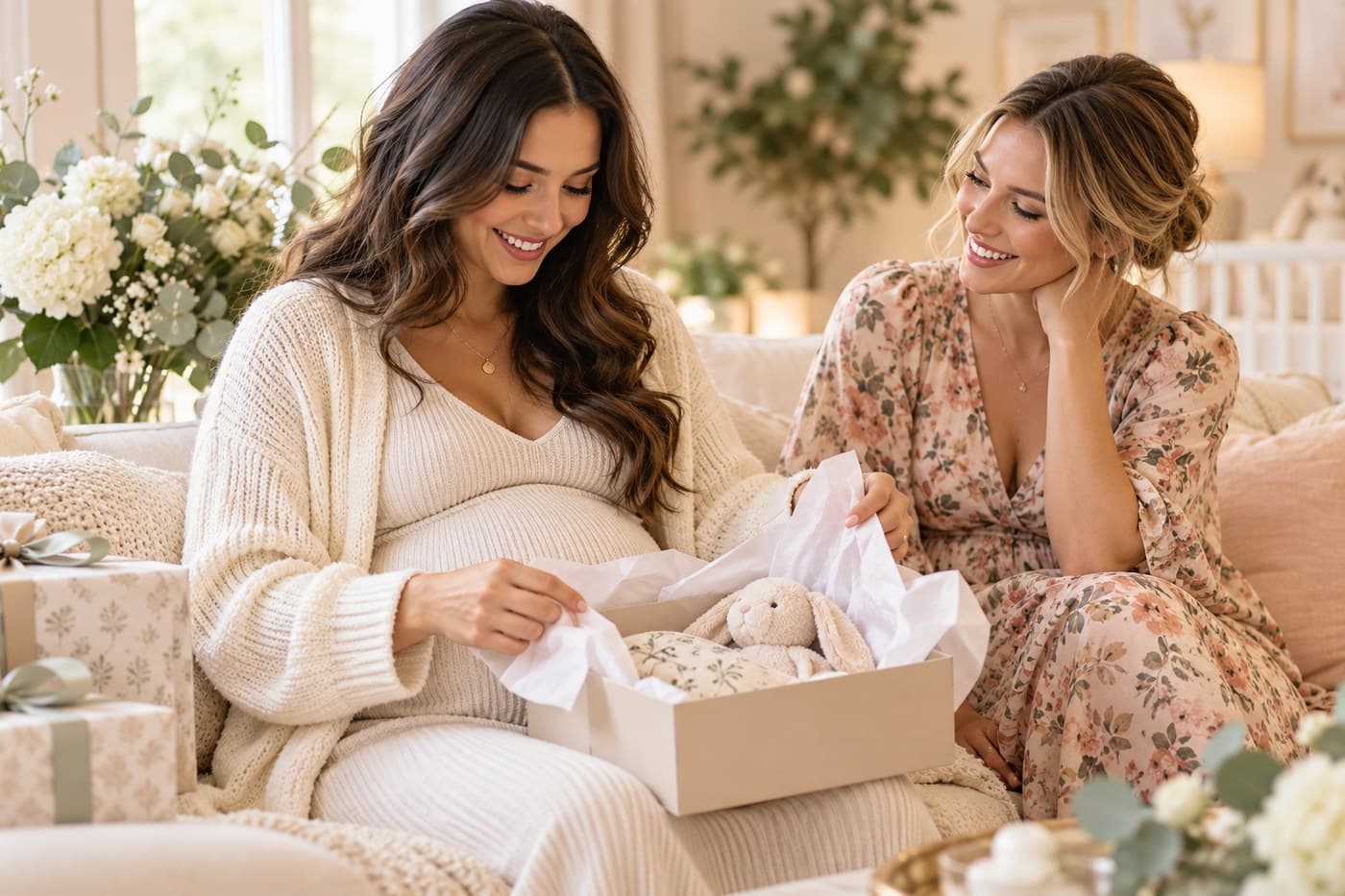
Any store you love
Add gifts from any store, big or small.
One link for your guests
Share your wishlist with anyone.
Reserved gifts, fewer duplicates
Guests can reserve gifts, so everything is useful and unique.
A little list for your biggest adventure.
Every family needs different things. Make a list that feels like yours.
Emma & Alex's baby shower
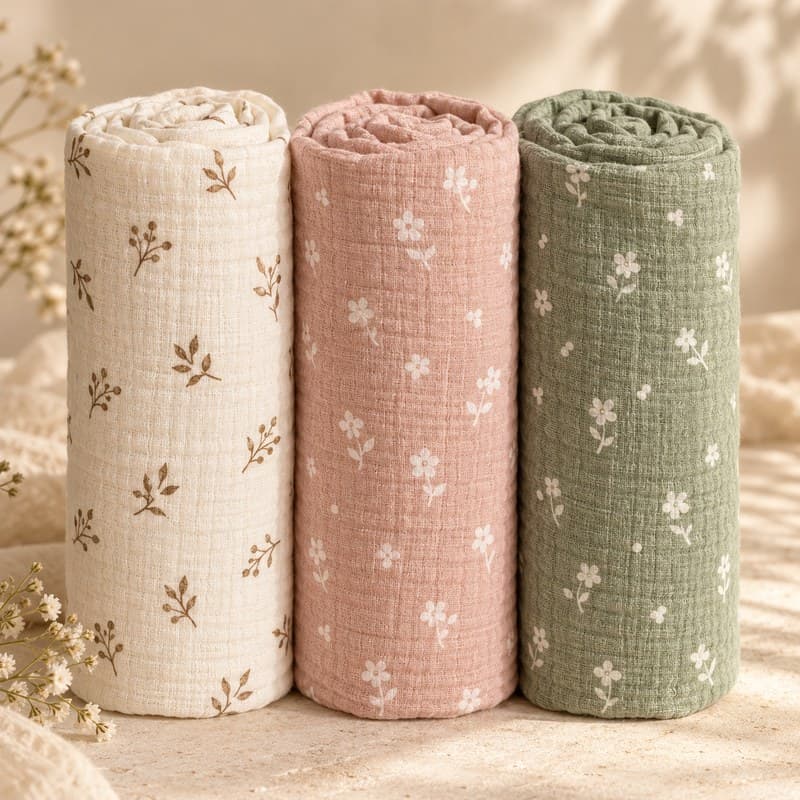
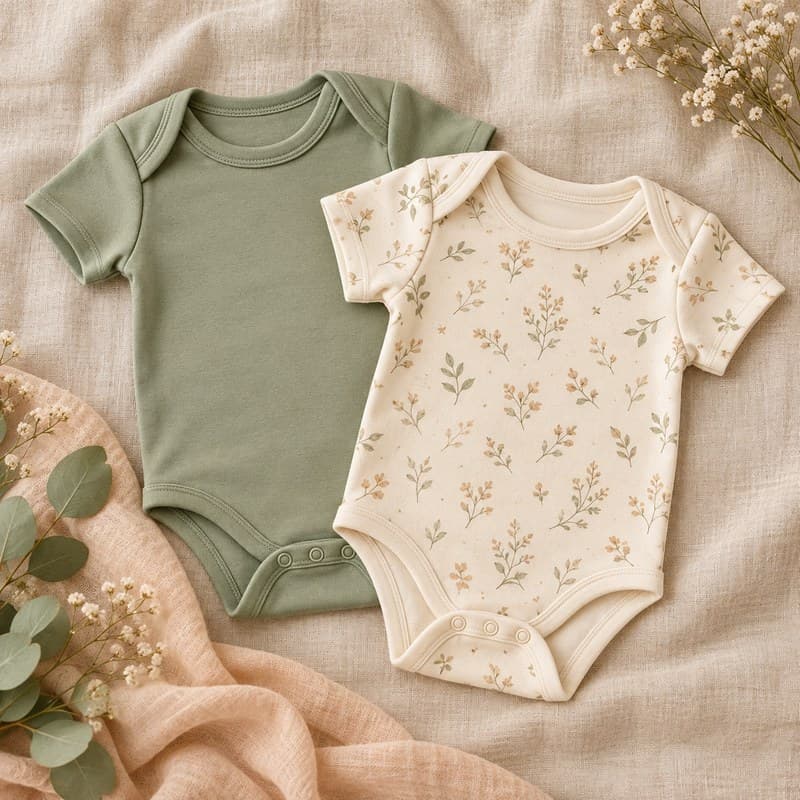
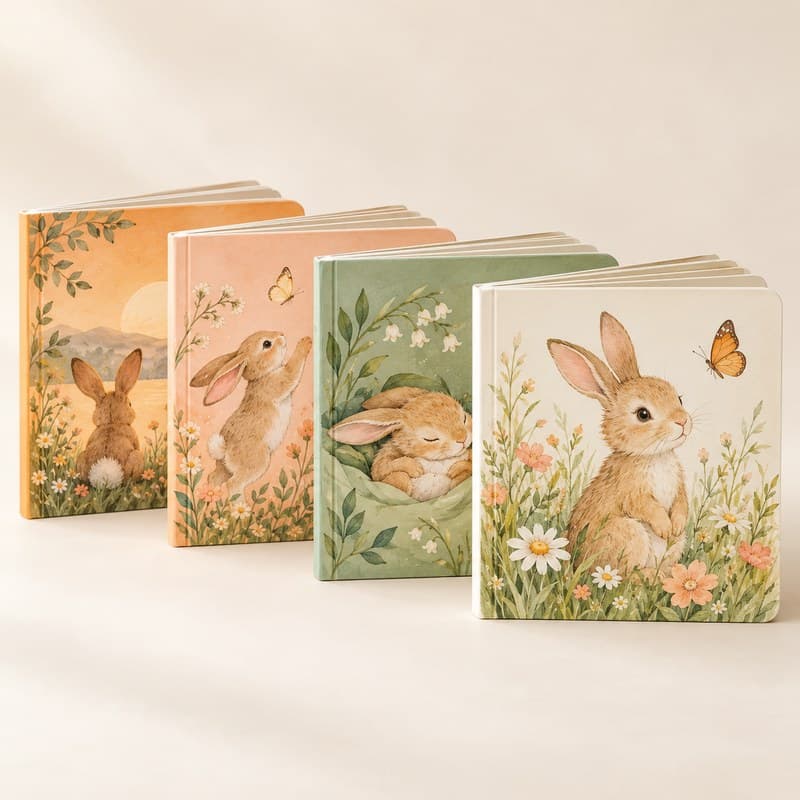
Baby board books (set of 4)
$18
Reserved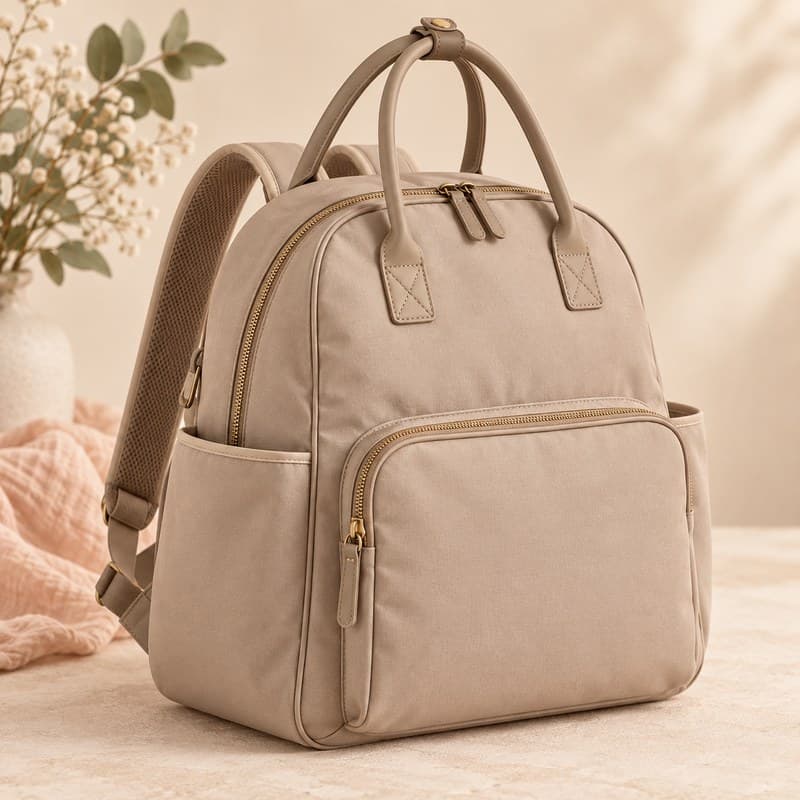
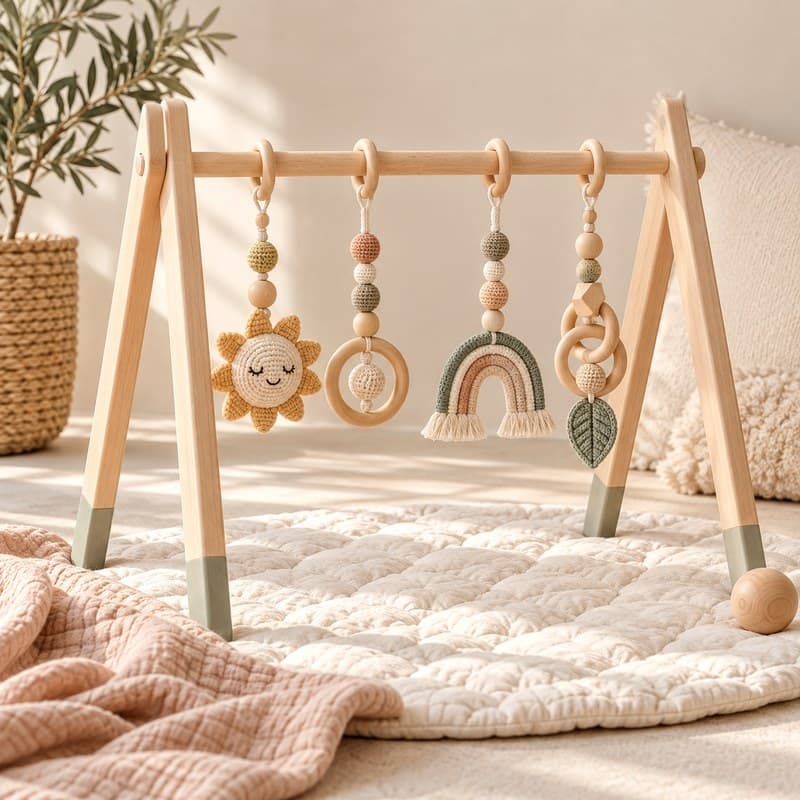
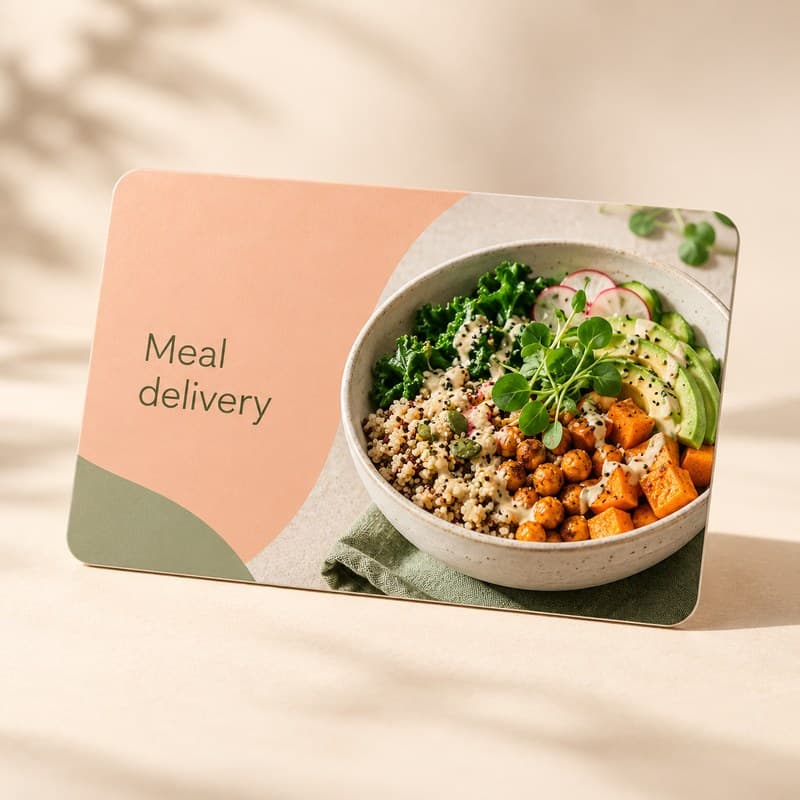
A sample wishlist — yours can be completely different.
From first wish to thoughtful gift.
1. Add what you need
Save gifts from your favorite stores, plus personal wishes.
2. Share your list
Send one link in a message or baby shower invitation.
3. Let guests choose
Guests reserve a gift, helping everyone avoid duplicates.
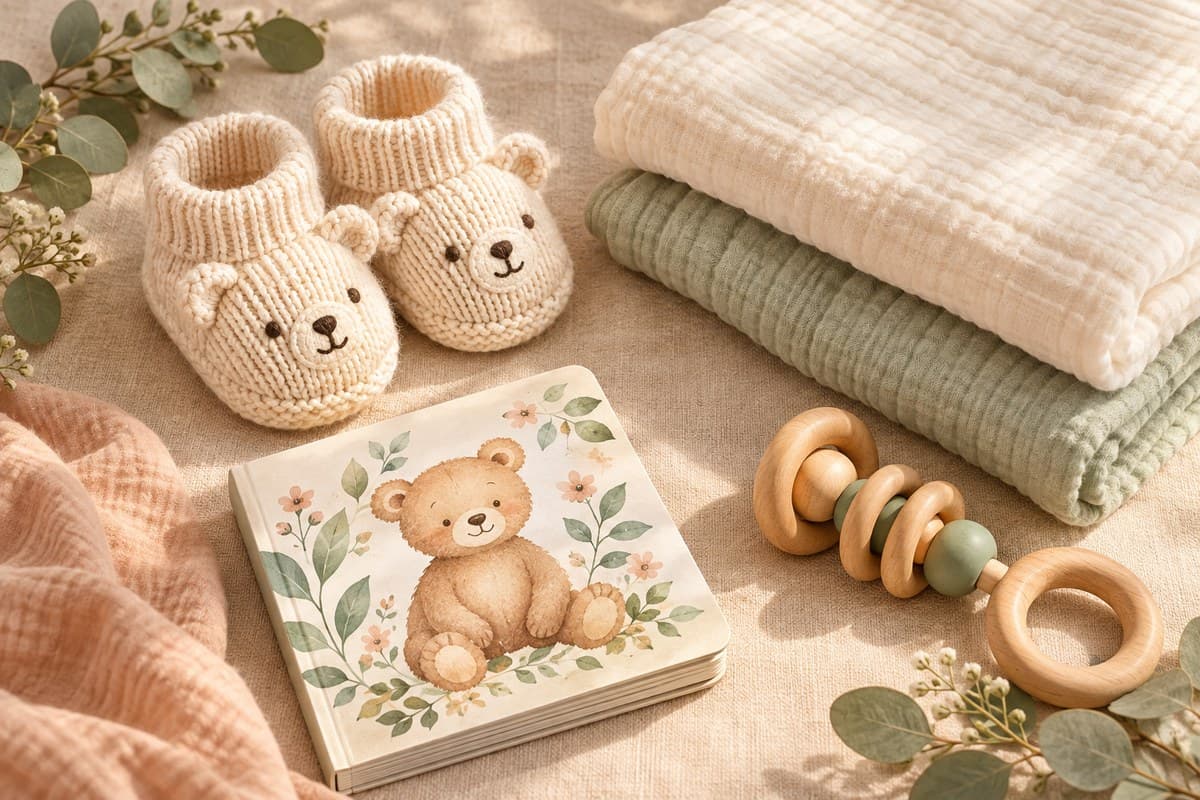
A thoughtful gift for every guest's budget.
A baby shower isn't just for small onesies and books. Mix in gifts at every price, so guests on any budget can find something that fits — and leave room for a few bigger wishes.
Note clothing sizes, add a meal or a hand with the chores, and let a few guests split the cost of something bigger together.
One little link in your baby shower invitation.
Drop your wishlist link right into the invite — a text, an evite, or a printed card — so guests have it from the very start.
No pressure, no awkward wording needed. A short line does it.
"Your presence is the best gift. If you'd like to bring something, here's our baby wishlist."
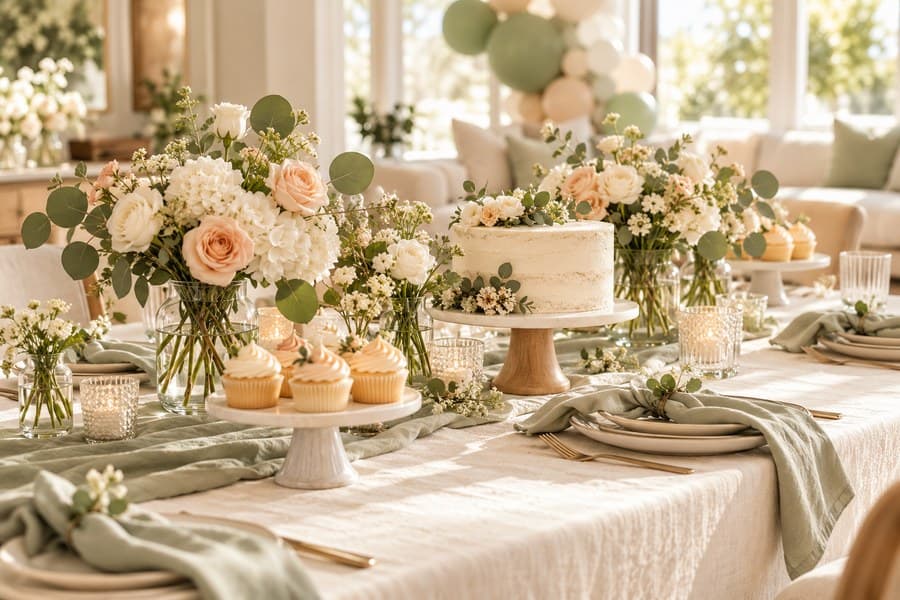
A little help planning your celebration.
Baby shower wishlist FAQs
Most people share it a few weeks before the shower, around the same time as the invitations — early enough for guests to plan, close enough that it stays current.
Yes — plenty of people create and share a baby shower wishlist on behalf of the parents-to-be. Build the list yourself and send them the link once it's ready.
No account needed — guests enter their name and email to reserve a gift, and get an email code in case they need to cancel later.
Once someone reserves a gift, it's marked as taken so nobody else picks the same thing — you don't have to keep track of who's bringing what yourself.
Yes. Add product links from different stores to the same Onelist wishlist.